
Define the pool
Add the items, opportunities, dates, or resources people will bid on, then set how many auction slots the draft has.
Draft Types
Use budgets and bids when the most popular choices need a transparent way to find their winner.
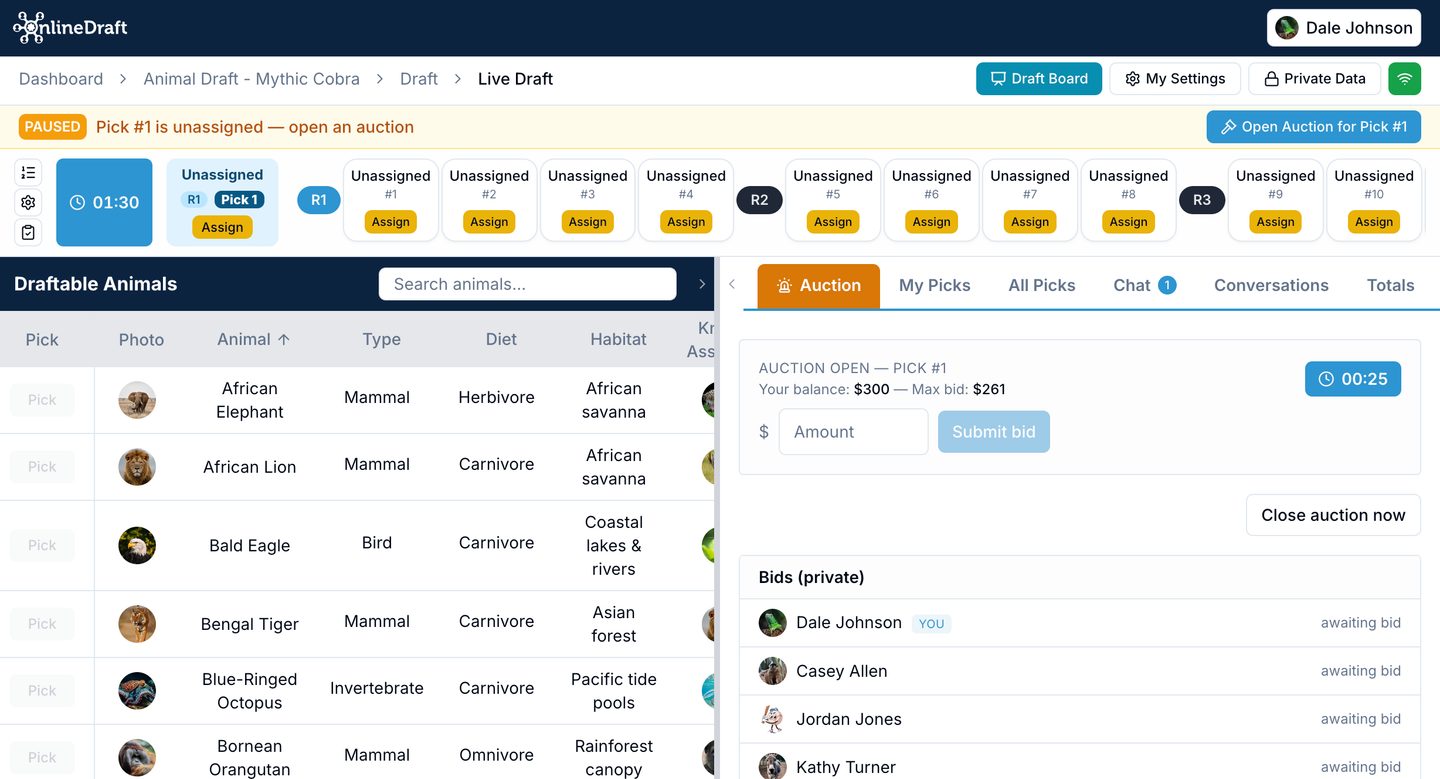
Auction drafts are best when demand is uneven and the group needs a transparent way to decide who gets the most valuable picks.
How it works
Give participants a budget, make the choices visible, and run bidding around the items people want most.
Add the items, opportunities, dates, or resources people will bid on, then set how many auction slots the draft has.
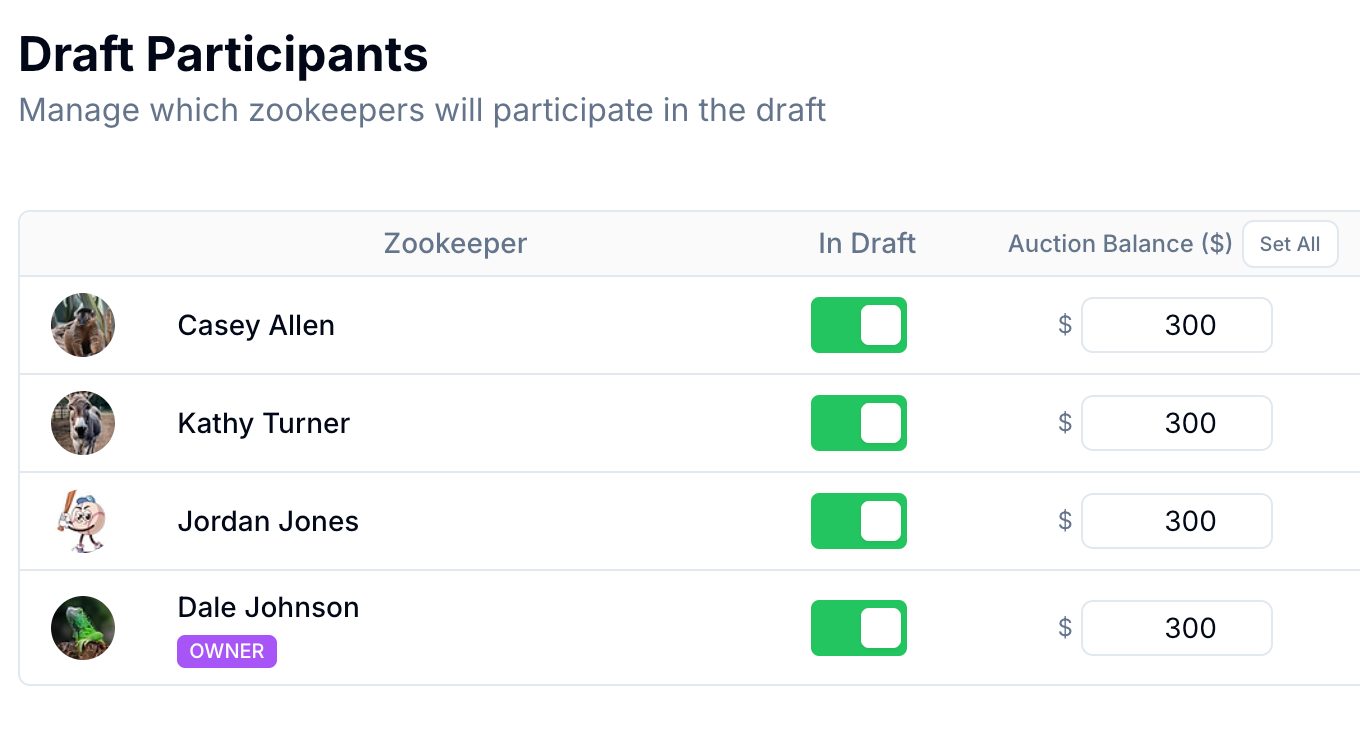
Give every participant a bidding balance — one at a time, or the same amount for everyone in a single step.
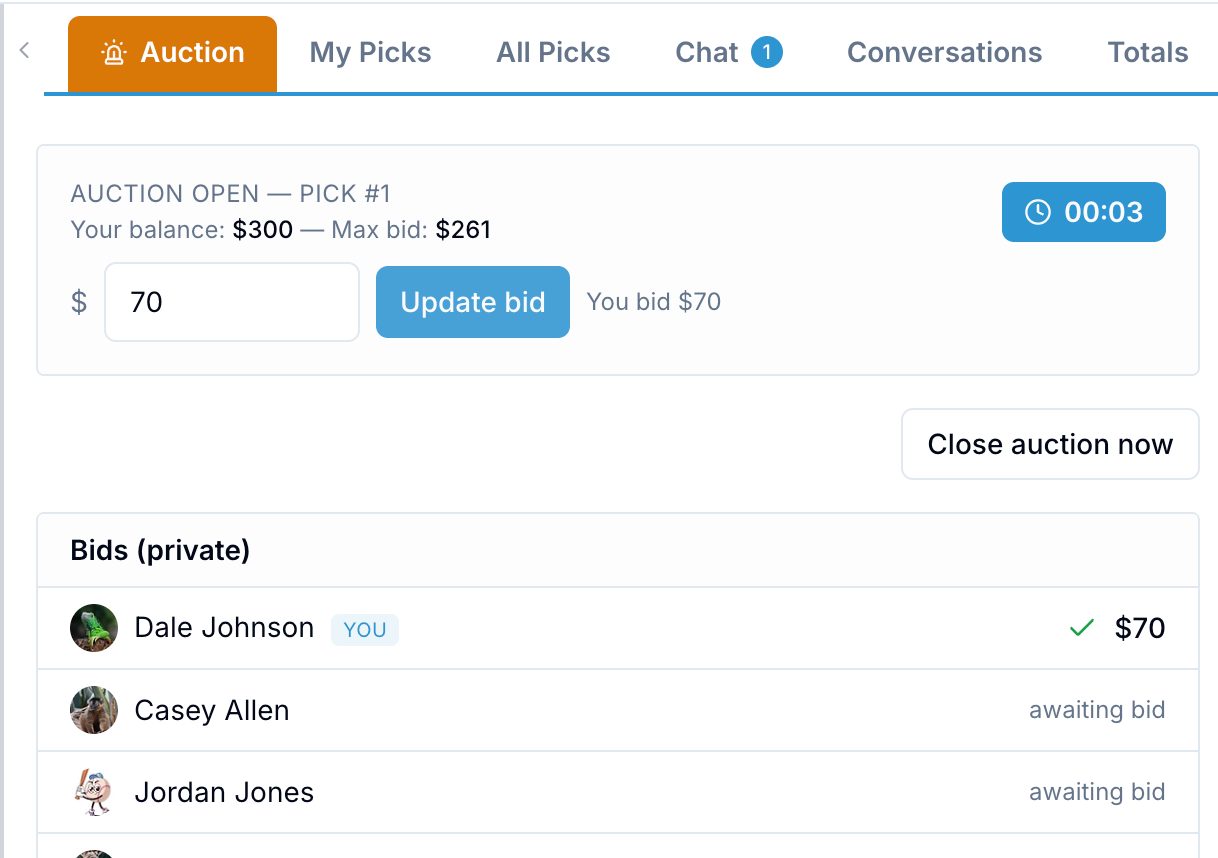
Slots come up one at a time. Everyone bids inside a timed window, the high bid wins, and a tie goes to a runoff.
The draft pauses at every open slot so an admin can run the auction, and you choose whether bid amounts are public.
Best fit
Allocate the most desirable games, shifts, dates, or items without relying only on turn order.
Let teams bid for accounts or leads when value differs across the pool.
Give fantasy leagues or office pools a more strategic way to select from shared assets.
Product depth
Auction drafts work best when participants can compare choices, understand limits, and see the result.
Create a group, load the choices, and test the bidding flow before you invite everyone.